Special rewards
Grant a one-off reward straight to a specific customer's phone number — perfect for VIPs and service recovery.
If your shop would like to send a special reward to an individual customer, you can create one in the “Special Rewards” menu. Then click “+ Create” at the top right.
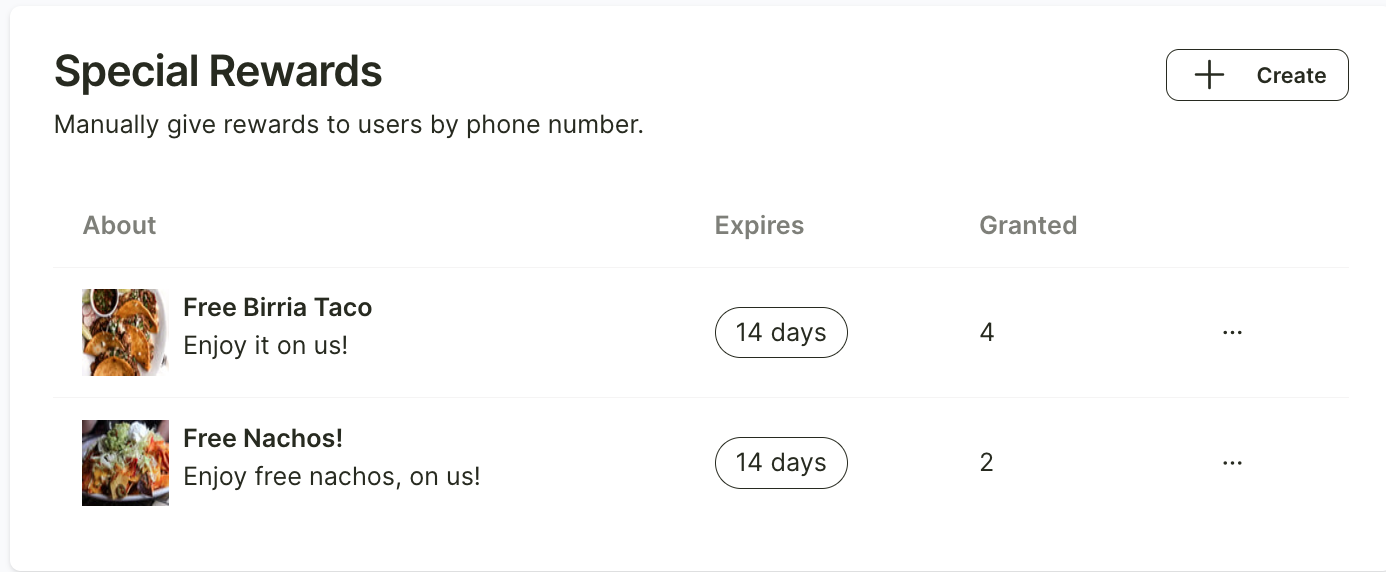
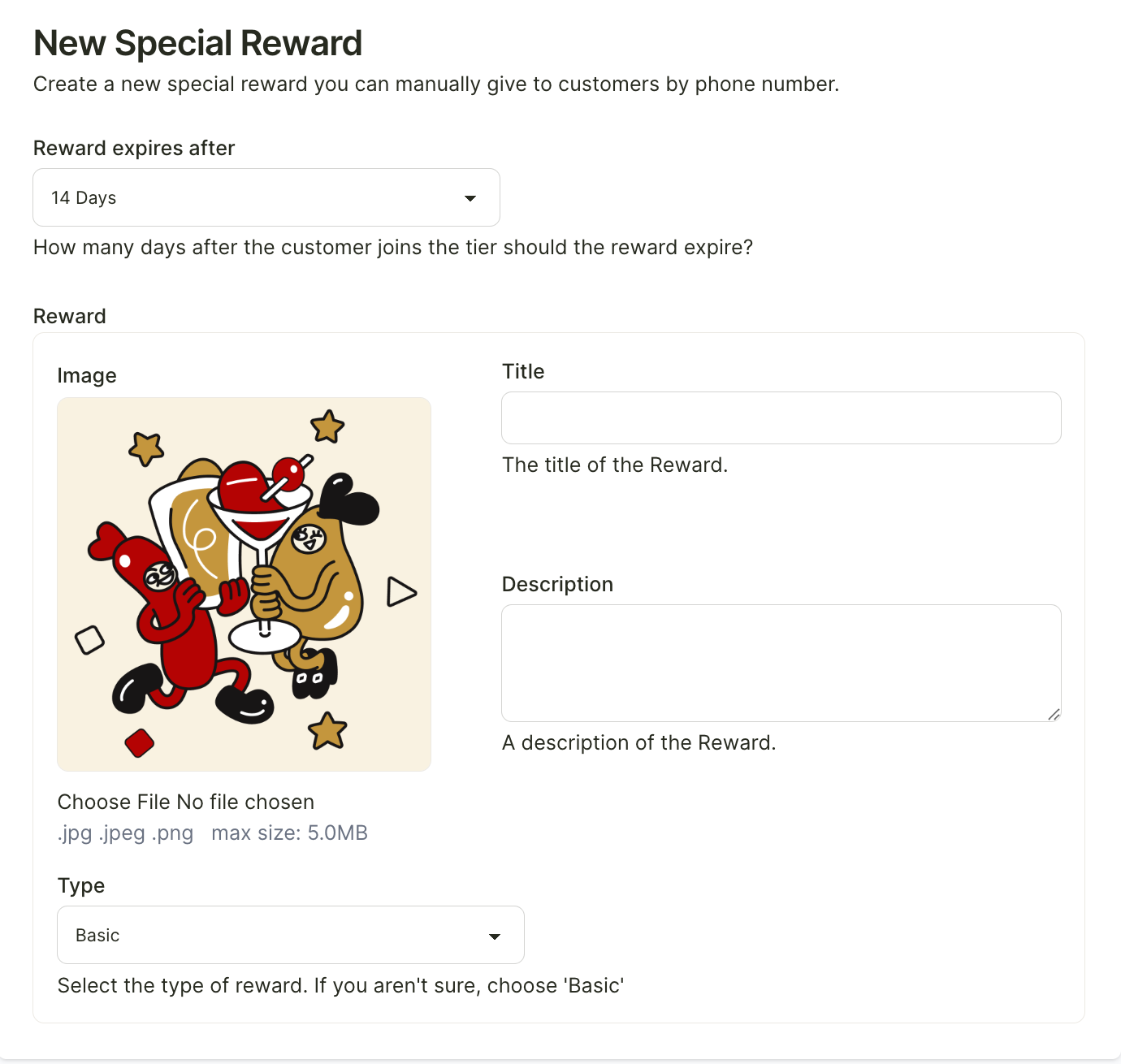
Once you enter the menu, fill in all the details and configure the reward. Then click “Create Special Reward” at the bottom left.
Once the reward has been created, it will appear on the Rewards Overview page.
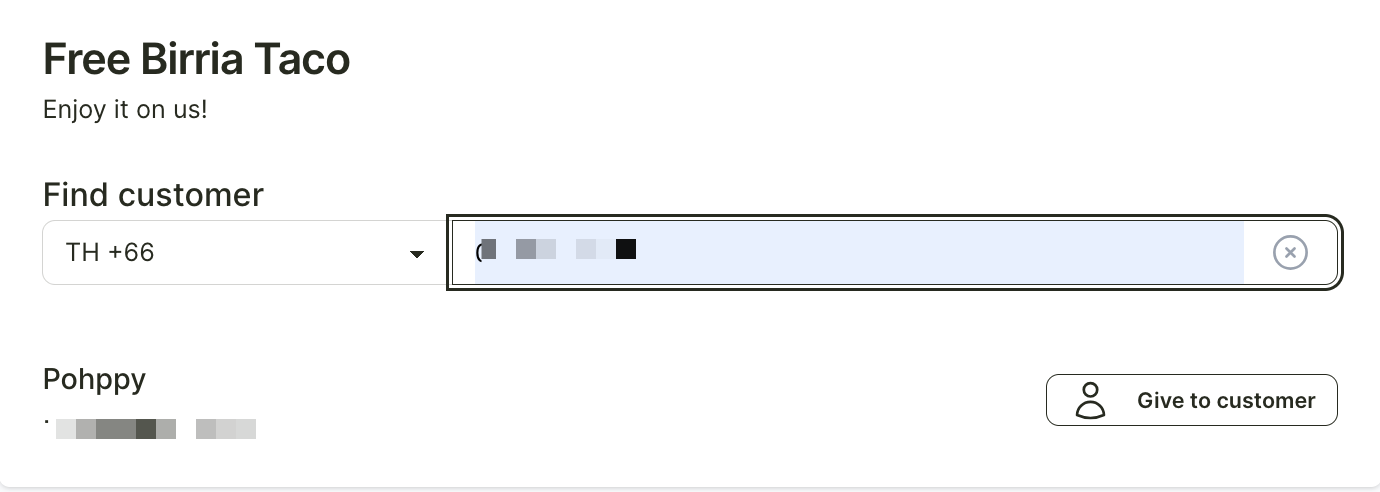
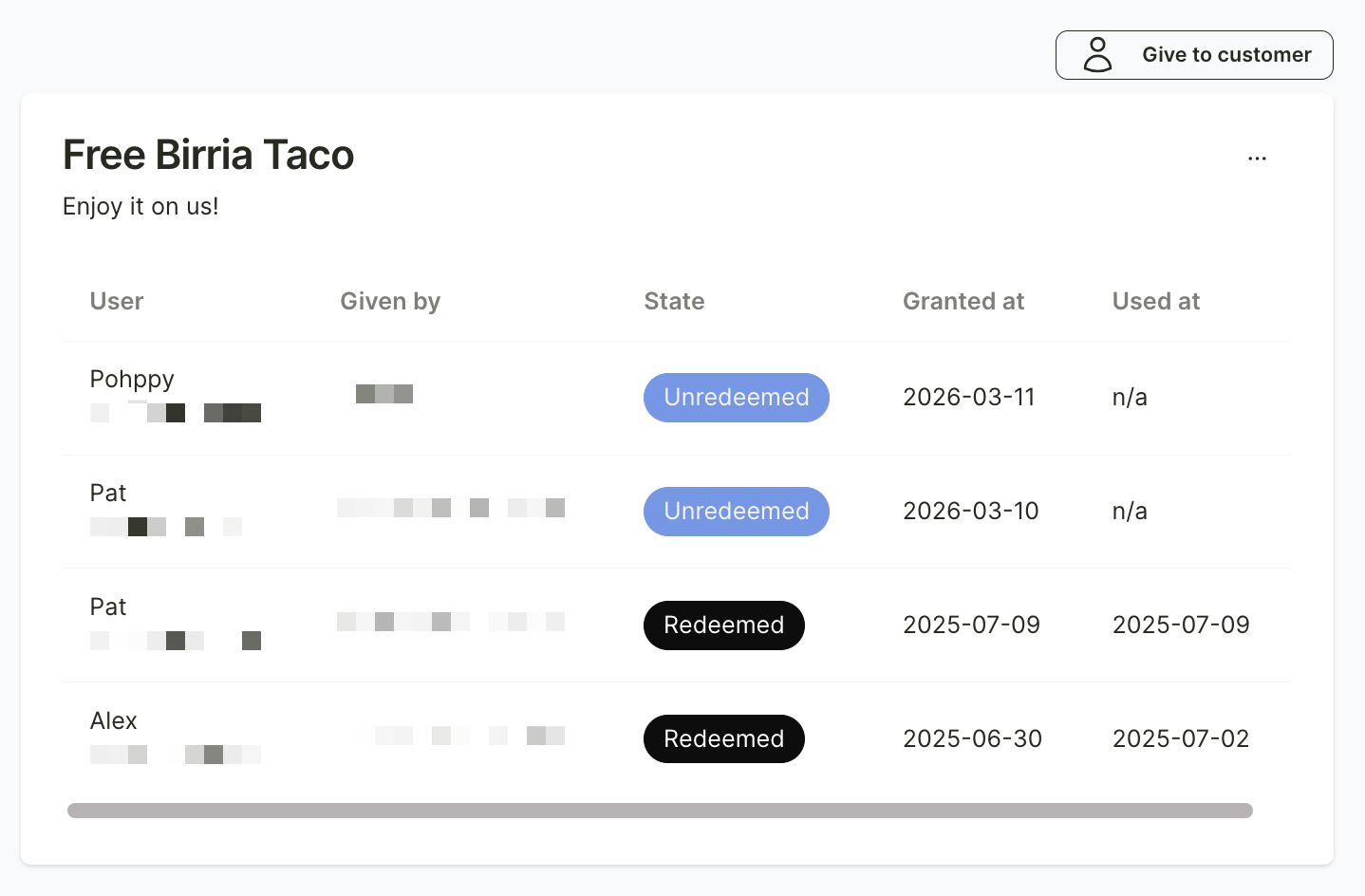
When you want to give the reward to a customer, click on the reward you created on the Rewards Overview page. Then click the “Give to Customer” button at the top right and enter the customer’s contact number.
After entering the contact number, the customer’s name will appear automatically. Then click “Give to Customer.”