
Membership benefits
Decide what each tier unlocks so customers always have a reason to climb to the next level.
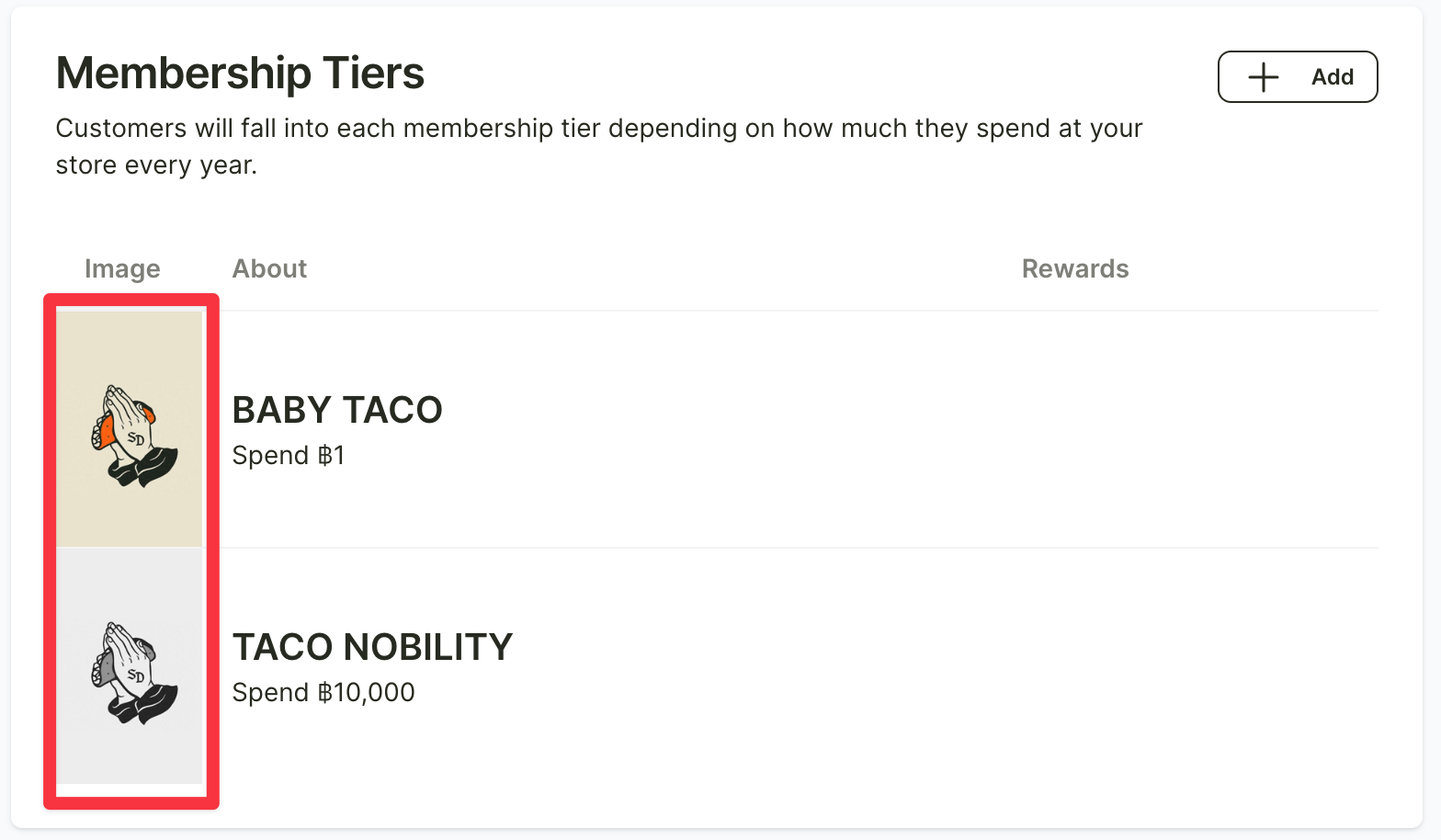
For the rewards of each membership tier, your shop can add details and set up the rewards in the “Point Tiers” menu. Once you enter the menu, select the membership tier you want by clicking on the image on the left.
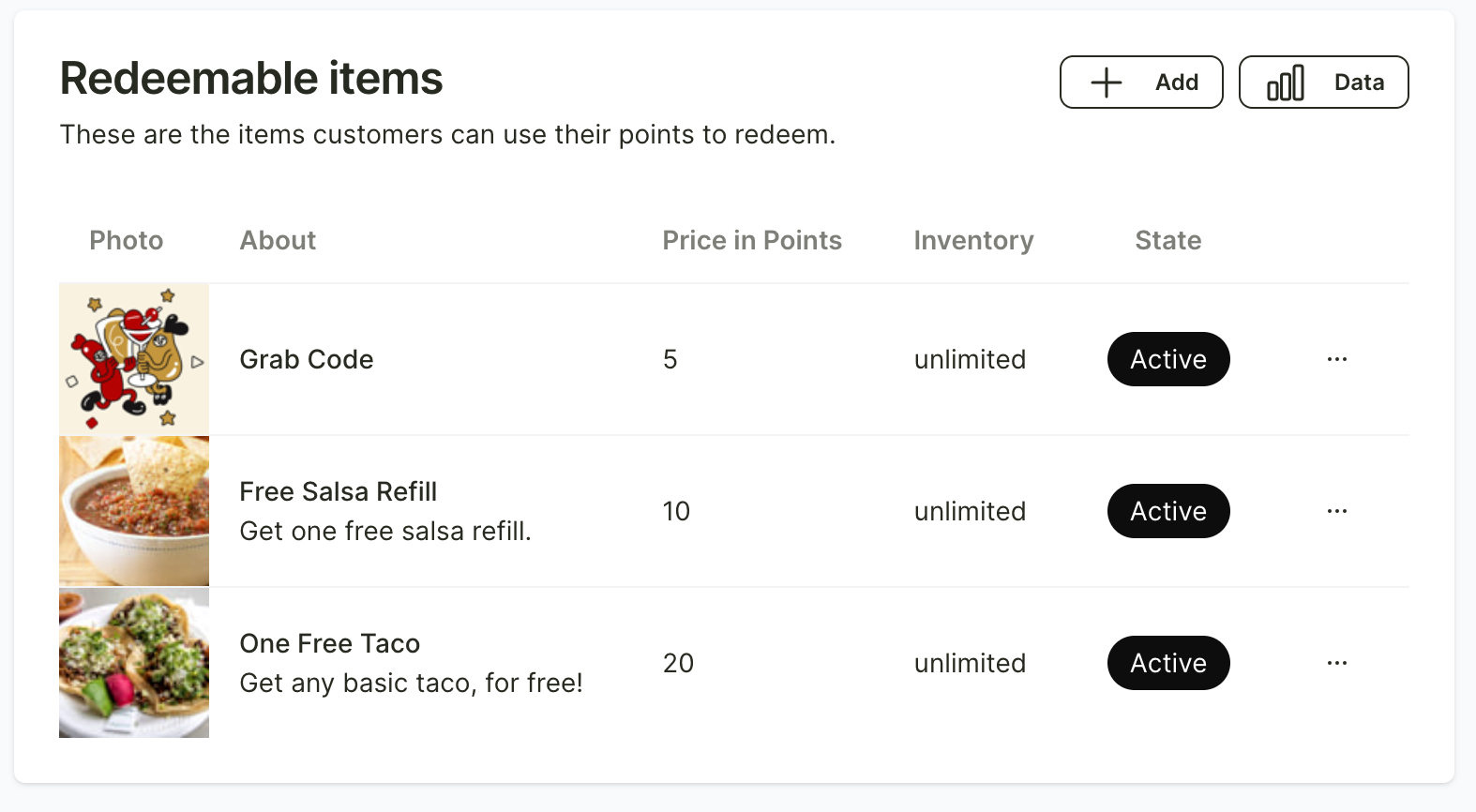
Scroll down to the bottom, and you will see the section for creating rewards for that membership tier. Click “+ Add” to create a reward.
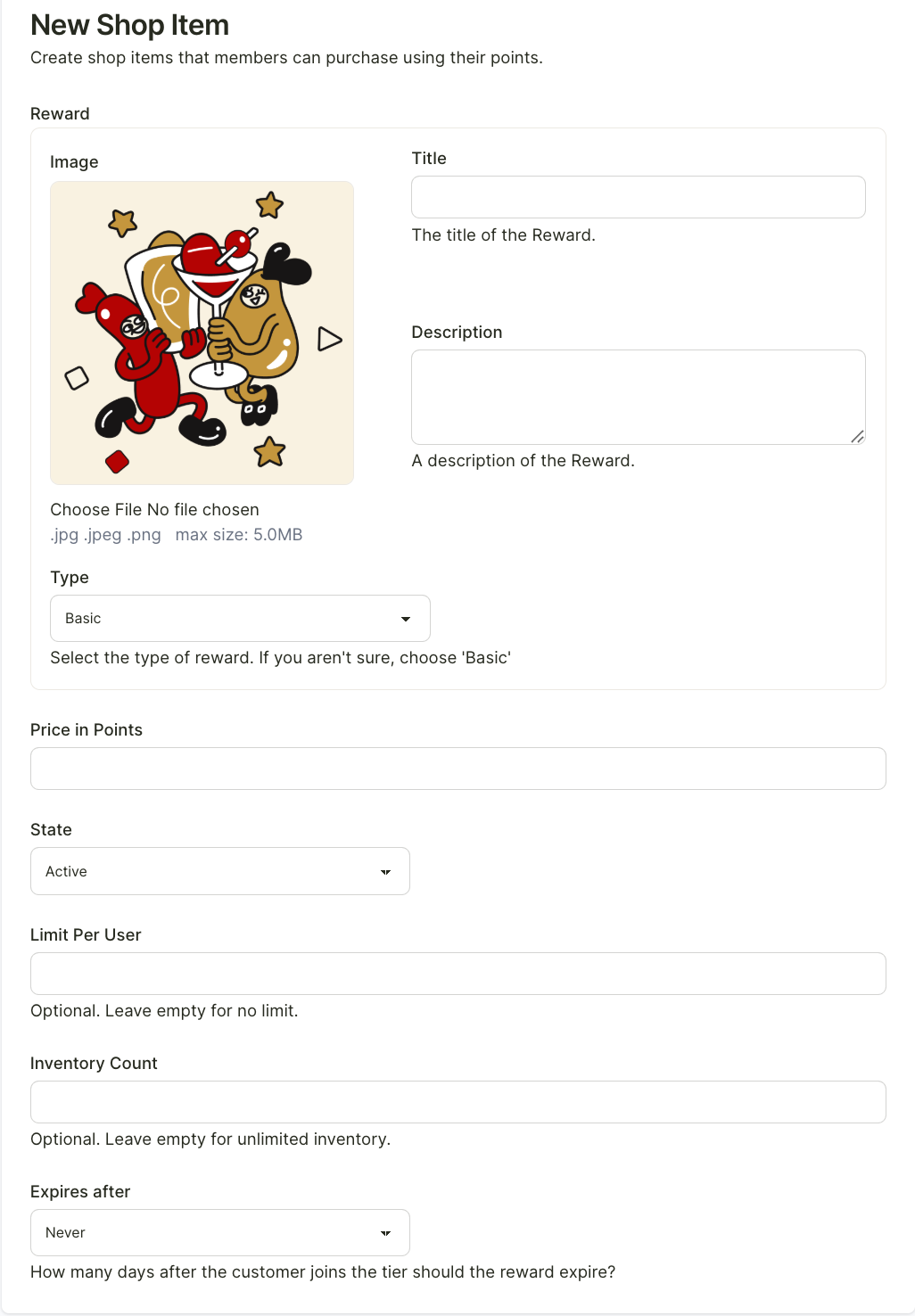
Once you enter the section, fill in all the reward details, including the reward name, image, description, expiration date, and the number of rewards each customer can receive.
After completing the information, click “Create shop items” at the bottom left to add the reward.
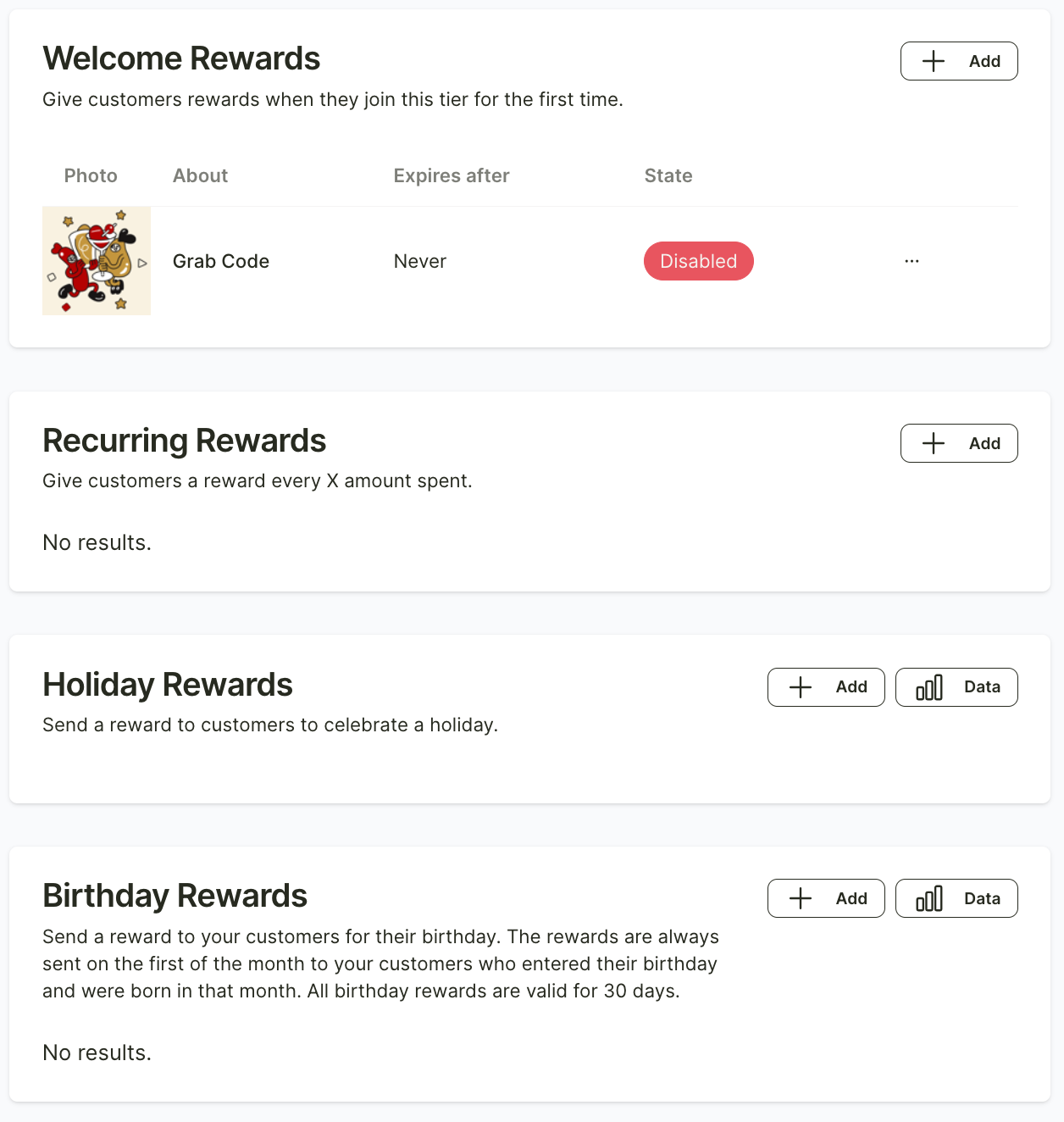
In addition, there are other special rewards that your shop can offer to customers.
For example, a welcome reward when a customer reaches that membership tier for the first time, custom rewards set by the shop, holiday rewards where the shop can define specific dates, or birthday rewards for customers.
You can click “+ Add” and fill in the details for each type of reward to set them up.
After filling in all the details, click “Save Membership Tier” at the bottom left.