Creating polls
Ask your customers what they want — polls are a fast way to learn preferences and make them feel heard.
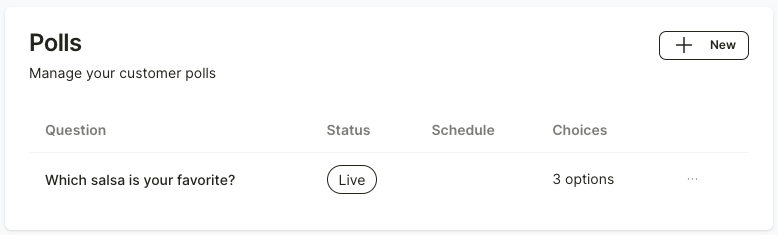
The store can create surveys to collect customer data or feedback through the Reggu app. You can do this by going to the “Polls” menu and clicking the “+ New” button at the top right.
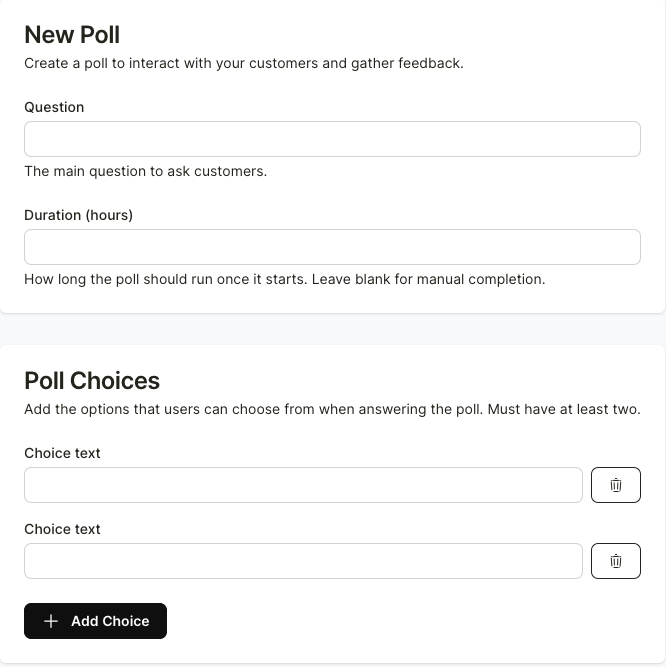
After that, fill in the details and click “Create” at the bottom left.
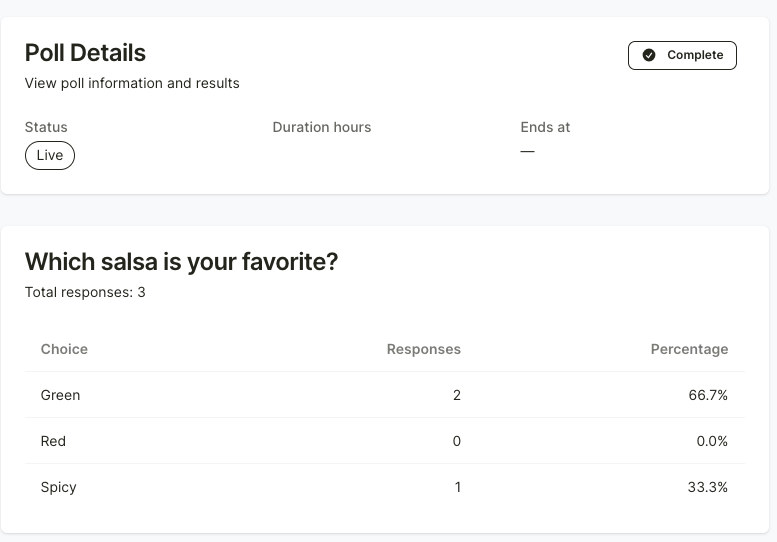
You can also view the result of each poll on the main poll page